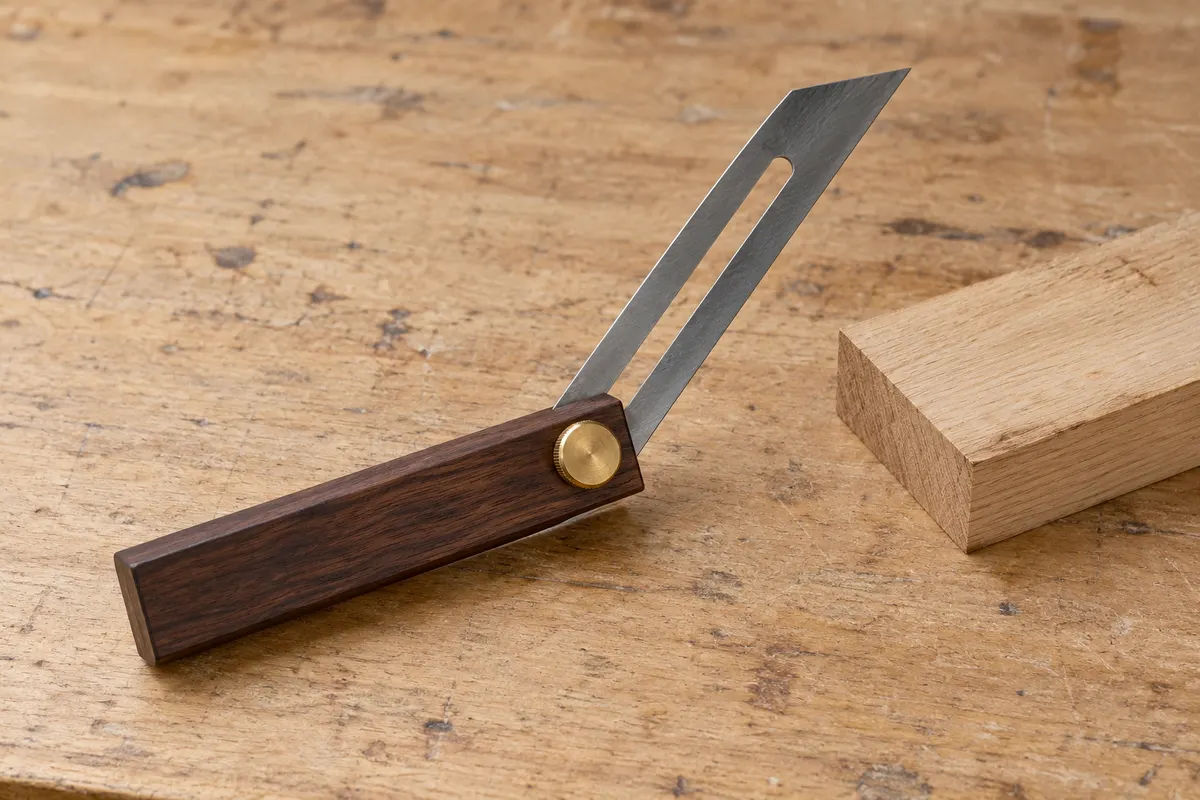
A REPEATABLE METHOD
How to use it
- Identify the reference faces and the side of the joint you are copying; label the waste side on a trial piece.
- Clean the contact faces and inspect the stock and blade for damage or looseness.
- Loosen the lock, seat the stock against one face and move the blade into contact with the other without forcing it.
- Tighten the lock while holding contact. Lift and reseat the tool to check that locking has not changed the angle.
- Transfer to a supported offcut using the same reference face. Test the mating pieces before marking the final material.
INTERPRET THE MEASUREMENT
How to read the result
- A copied inside angle and its outside supplementary angle are different; record which face was used.
- An irregular wall may have different angles at different heights. One sample cannot define every joint.
- Do not enter an assumed degree value into a calculator. Use a suitable angle measuring instrument if a number is needed.
Work through an example
Illustrative situations and readings, not product tolerances. Follow the instructions for your own tool.
An angle transfer fails when the locked blade movesOpen the worked exampleClose the worked example
An unknown corner angle is copied onto a spare piece of trim. After transfer, the bevel is returned to the original corner. The fictional trial exposes movement without assigning an angle in degrees.
Before you start
- Clean the contact faces and identify the same baseline on both pieces.
- Seat the stock and blade against the intended faces without rocking.
- Lock the blade and check it again after handling and transfer.
Example notes
- Initial fit
- Both faces contact the reference
- After handling
- Blade position has shifted
- Return check
- A visible gap at the original corner
What this tells you
The transferred line cannot be trusted because the setting changed. A bevel copies the relationship between two faces; it does not by itself provide a degree reading or the correct mitre setting.
Your next step
Check the lock according to the tool instructions, reset against the original reference and repeat on scrap. Preserve the baseline and face orientation. Work out any joint-specific cutting angle separately.
Do not conclude: Do not cut the finished trim from the shifted setting or assume that the copied corner angle is automatically the saw angle.
Method reference: STANLEY: sliding bevel and locking blade
TROUBLESHOOT THE METHOD
Common problems and what to check
Angle changes while marking
Check the lock and blade clearance. Replace a tool that cannot hold its setting.
Trial pieces do not meet
Check reference faces, orientation and how the joint divides the angle. Do not repeatedly trim the final piece by guessing.
Stock rocks on the reference
Remove debris or choose a sound reference section. A short uneven contact produces an unreliable copy.
STOP BEFORE THE HAZARD
Safety boundary
- Keep fingers away from sharp blade edges; fold the blade for storage.
- Mark and test on a supported workpiece; never adjust a running saw using this tool.
- The bevel checks geometry only, not a structural connection or the safe setup of a cutting machine.
SMART BUYING GUIDE
What to look for when choosing
- Look for a lock that holds without shifting the blade.
- Check stock length and blade travel against the corners you need to reach.
Types of tool
Best for: Reference contact where a side nut would interfere.
Best for: General transfers with enough clearance around the nut.
Common functions
Worth paying more for
- Flat reference faces and a reliable lock.
- A blade that moves smoothly without sideways play.
Usually not worth the extra cost
- Unmarked blades advertised as precise degree meters.
- A very long blade that cannot fit the actual corner.
Sources & instructions
AI-generated topic illustration; do not use the depicted scale for measurements.